
Campaigns: Manuscripts
Manuscripts allow administrators to create and edit sales materials for agents to use during campaign calls.
Navigation page
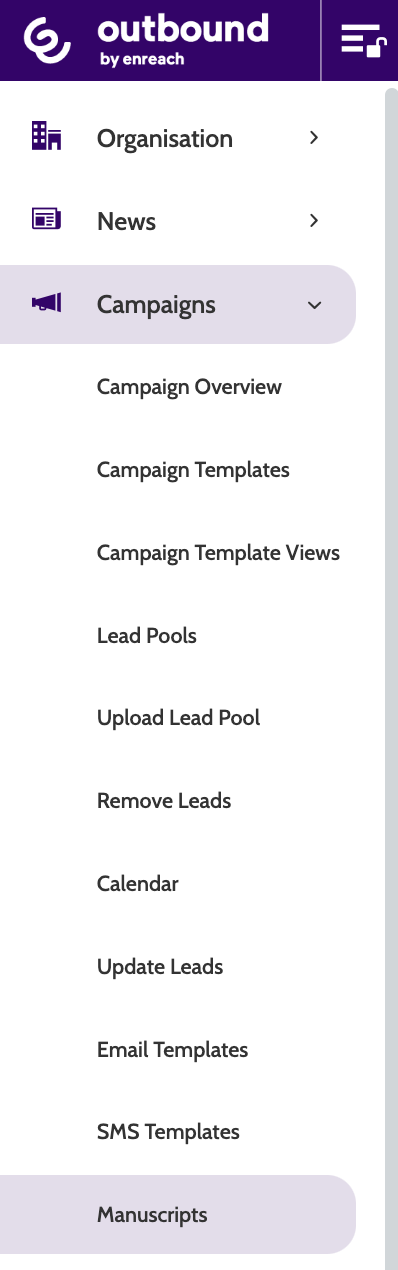
Manuscripts can be found under the Campaigns menu.
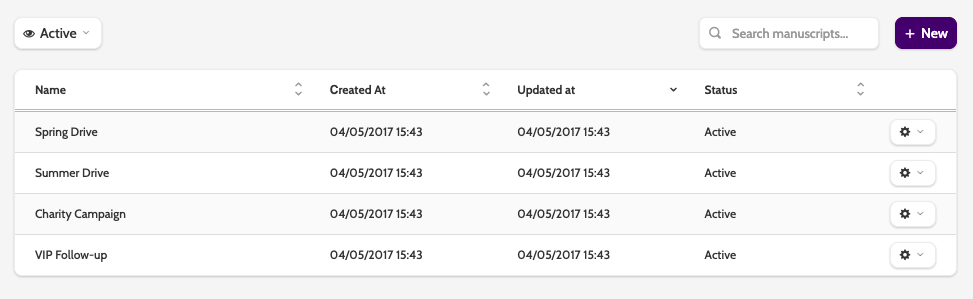
Here you can see all your existing global manuscripts.
Filter the view by Active or Inactive Manuscripts by expanding the drop-down menu, or using the search bar.
You can also click the column arrows to reverse the order of Created at, Updated at, and Status.
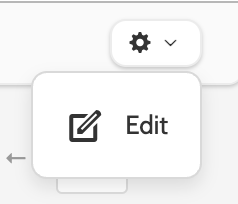
Click the cog icon to edit the name or text of a manuscript.
Creating a manuscript
There are two ways to create a Manuscript in Outbound:
- The first is to create a global manuscript that is not tied to a specific campaign, and so can be selected for any campaigns
- The second is to create a manuscript directly in the campaign settings, which we will cover below.
To create a global manuscript, click the +New button in the right side of the navigation page.

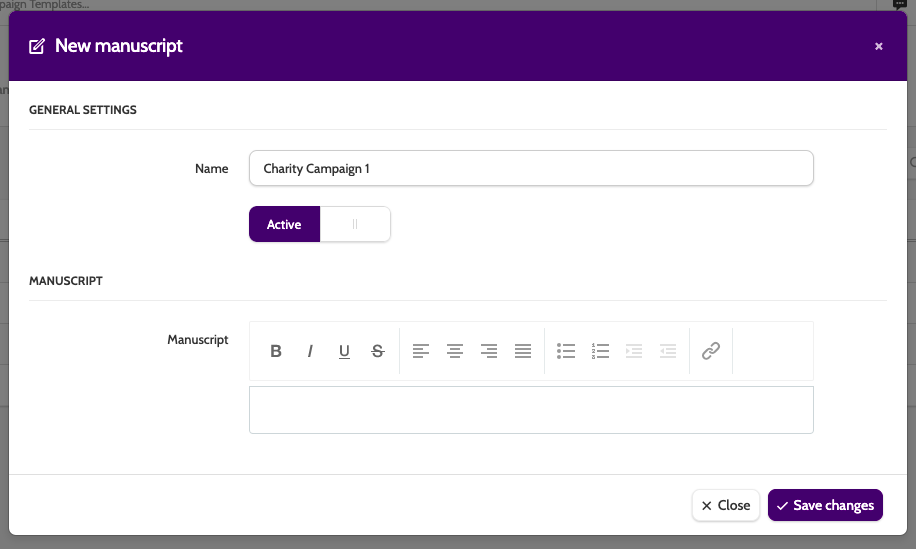
In the editor, enter a name for your manuscript, and set it to Active or Inactive.
Enter the text in the text box, and use the inline text editor to format your text or include links.
This is the script the agents will see on the contact page.
When you're finished, click Save changes.
Using a manuscript in a campaign
To use a manuscript in a campaign, expand the Campaigns drop-down menu and locate the Campaign in Campaign Overview.
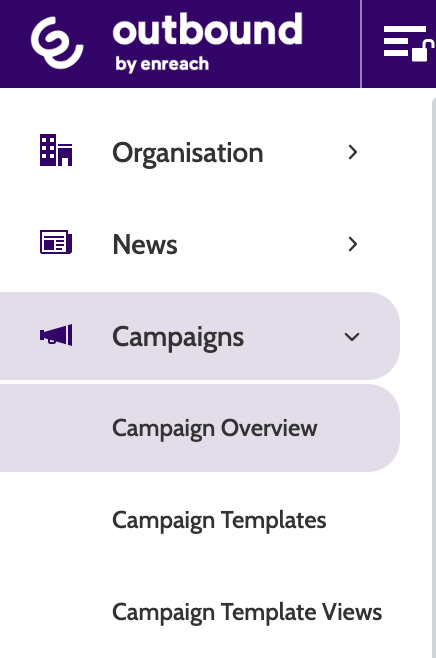
Click the pencil icon to access the Edit Campaign Page.

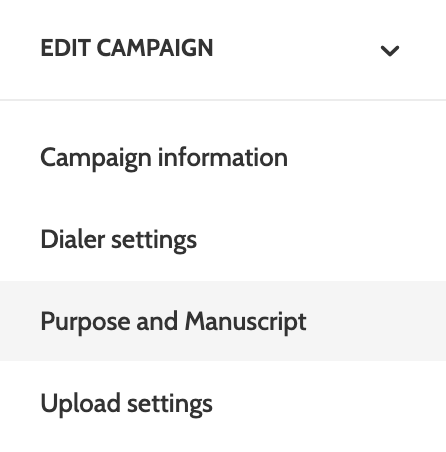
Expand the Edit Campaign drop-down menu and select Purpose and Manuscript.
Under Manuscripts, expand the Available Manuscripts menu and select your chosen manuscript from a list. Click Save.
This manuscript will now be visible to agents when calling in this campaign.
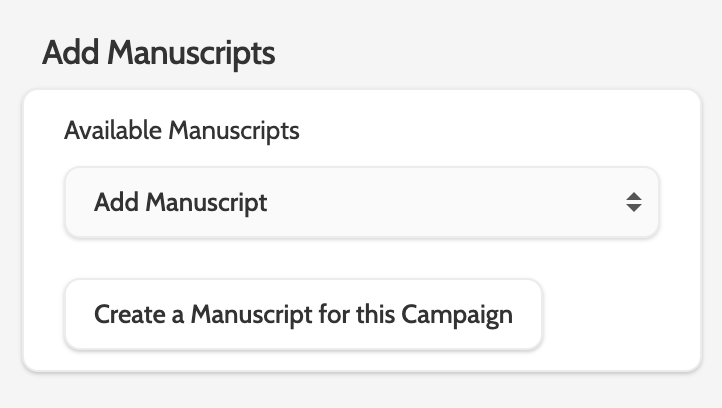
To create a new manuscript specifically for this campaign only, click Create Manuscript for this Campaign.
Choose a name, and enter the text in the text box, using the inline text editor to format your text or include links.
When you are finished, click Add, or Cancel to exit without saving.
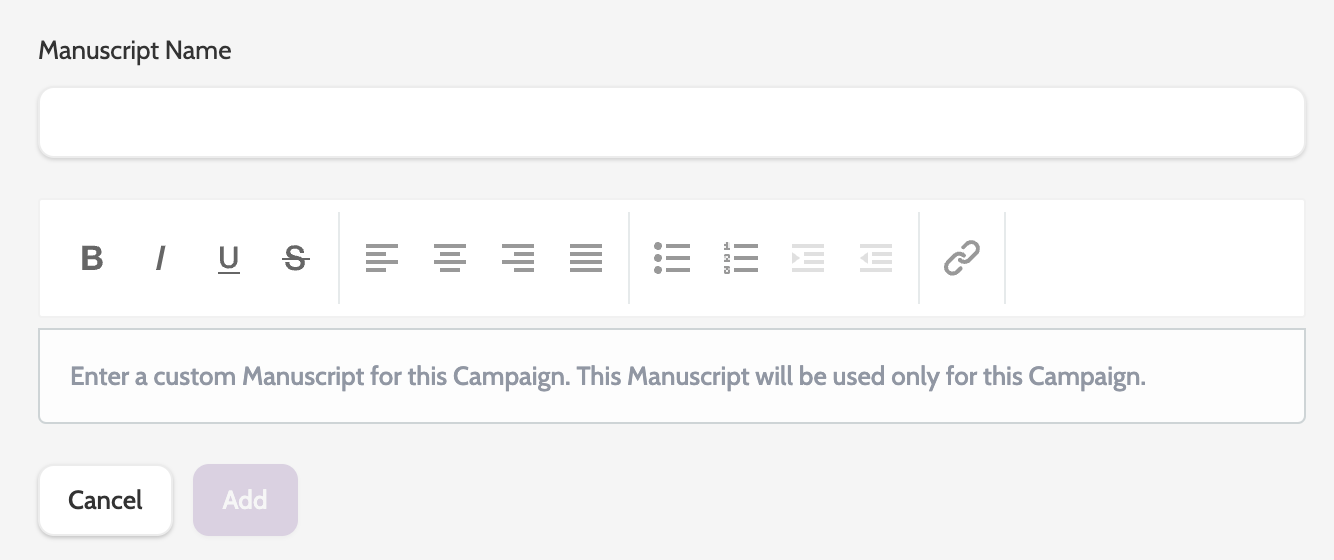
Finally, click Save to save your manuscript to this campaign.

Your manuscript will now be visible to agents on the contact page.