Campaigns: SMS Templates
With SMS templates, users have the ability to create, view, and manage SMS templates for use in their campaigns.
Navigation Page
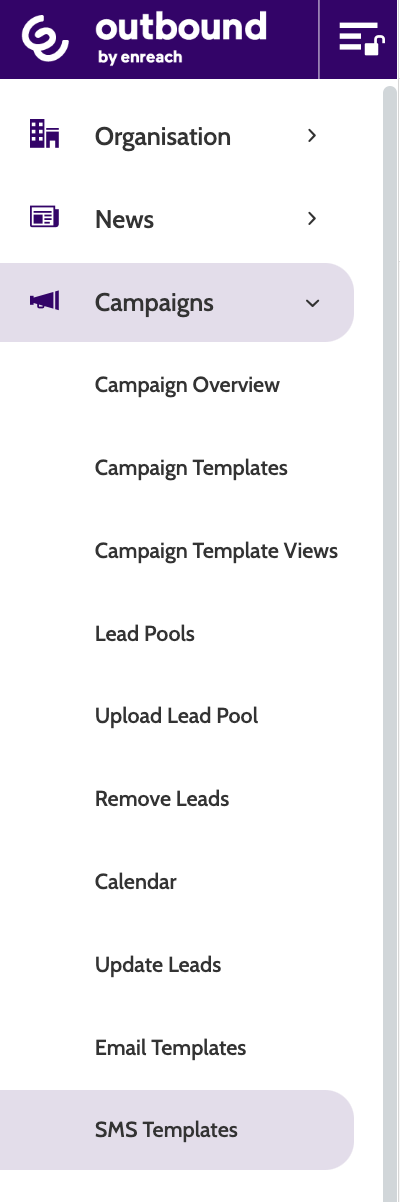
SMS Templates can be found under the Campaigns menu.
Under SMS Templates, you can view all of your existing templates, which campaign the SMS has been used in, and which campaign it is locked to. Toggle the status bar to set the template as Active or Inactive.
Filter the view between Active or Inactive templates, or use the search bar to search for a specific one.
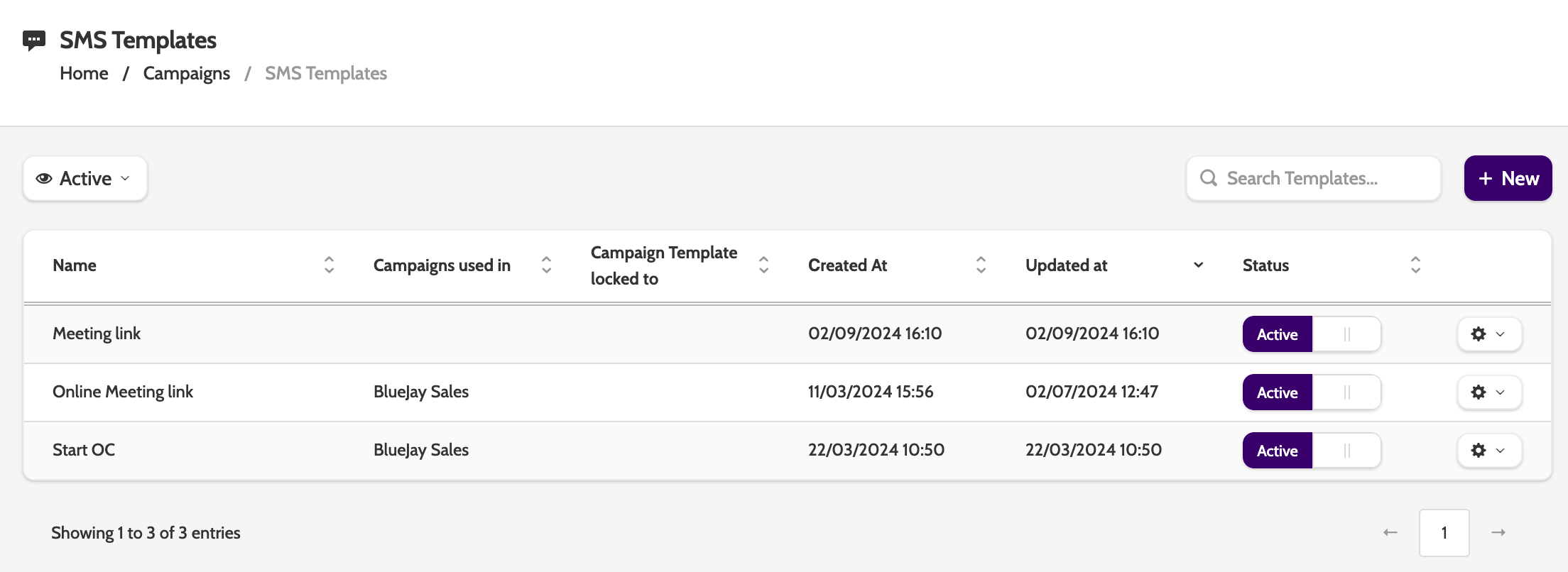
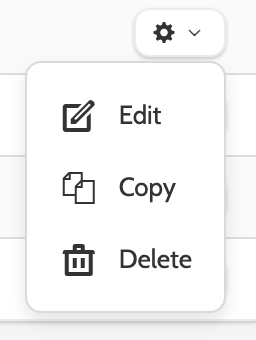
Click the cog icon to edit, copy, or delete a template.
Creating and editing an SMS template
To create a new SMS template, click New.
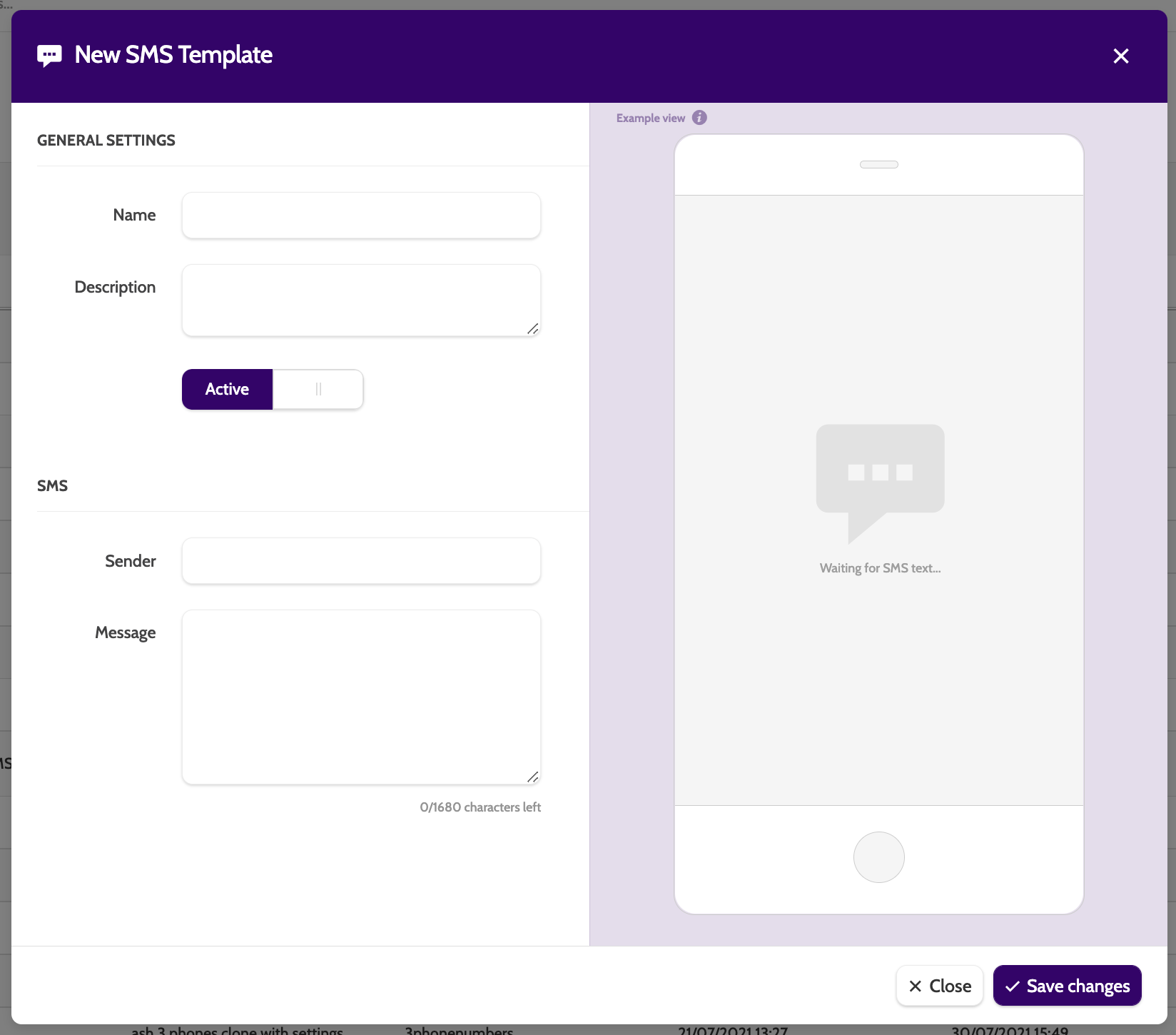
These settings are the same for when you Edit an SMS Template:
- Name: a name for your template. This is internal only
- Description: enter an optional short description
- Active: make the template active and available for use
- Sender: enter a sender name for the SMS. This will appear in the recipients 'from' SMS field. Name is a maximum of 11 characters
- Message: the content of the SMS. Customise with any lead data by adding a merge field when prompted
- Merge Fields: add these to customise your SMS with lead data and appointment booking information. You can also add campaign data fields by selecting a campaign template, and preview the message in the example view with an example lead.
Click Save Changes to save your template.
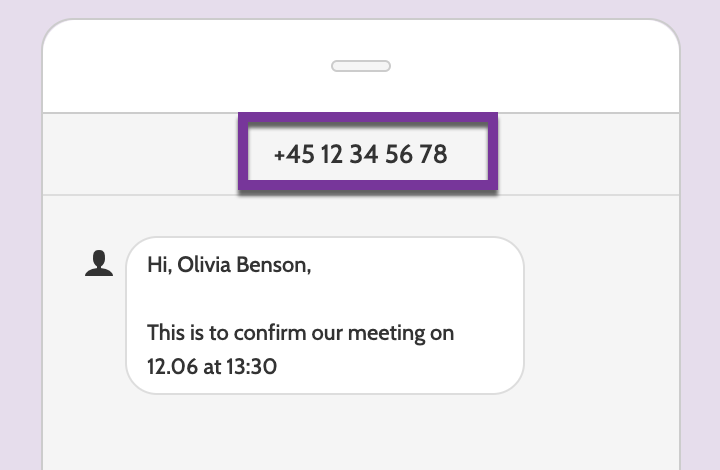
Using a phone number in the sender field?
Numbers can not begin with a 0, as it will not be displayed to the customer.
Instead, add the country code.
Using a template in a campaign
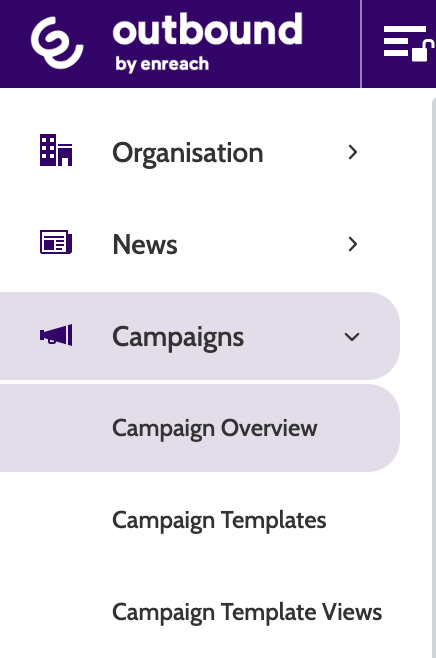
To begin using your SMS Template in a campaign, expand the Campaigns drop-down menu and select Campaign Overview.
Select the Campaign you want to work with and click the pencil icon.
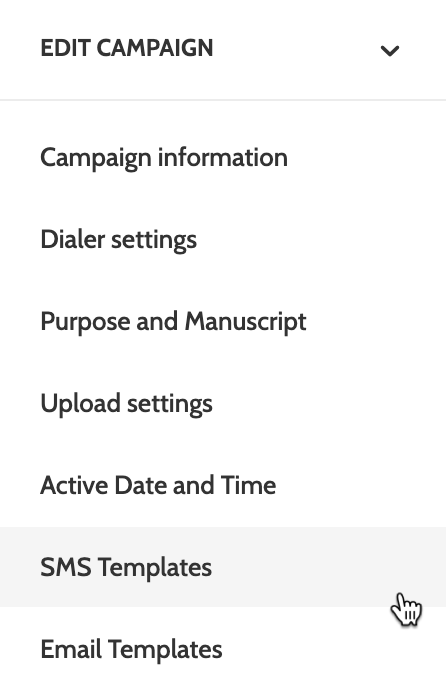
Expand the Edit Campaign drop-down menu, and select SMS Templates.
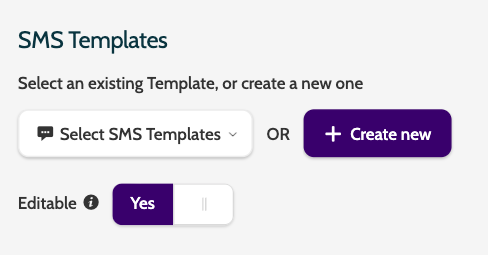
Add your template to the campaign by choosing it from the drop-down menu, or click Create new to build a new template.
Toggle the Editable switch to make the template editable for users.
Click Save to save your settings. Your SMS Template will then be connected to the campaign, and be ready to be use.