Incoming: Incoming Call Sounds
If you are an admin user, use Incoming Call Sounds to upload sound files to play when receiving incoming calls.
Incoming Call Sounds can be found under the Incoming menu.
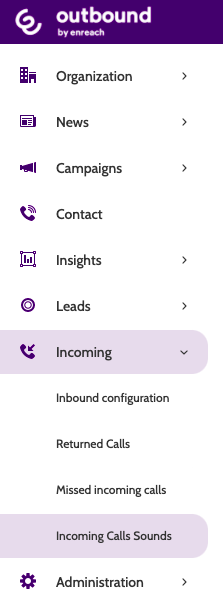
In the Navigation page, you will see a list of all call sounds.
If you haven't uploaded any, you can use any of the default sounds, pictured below:
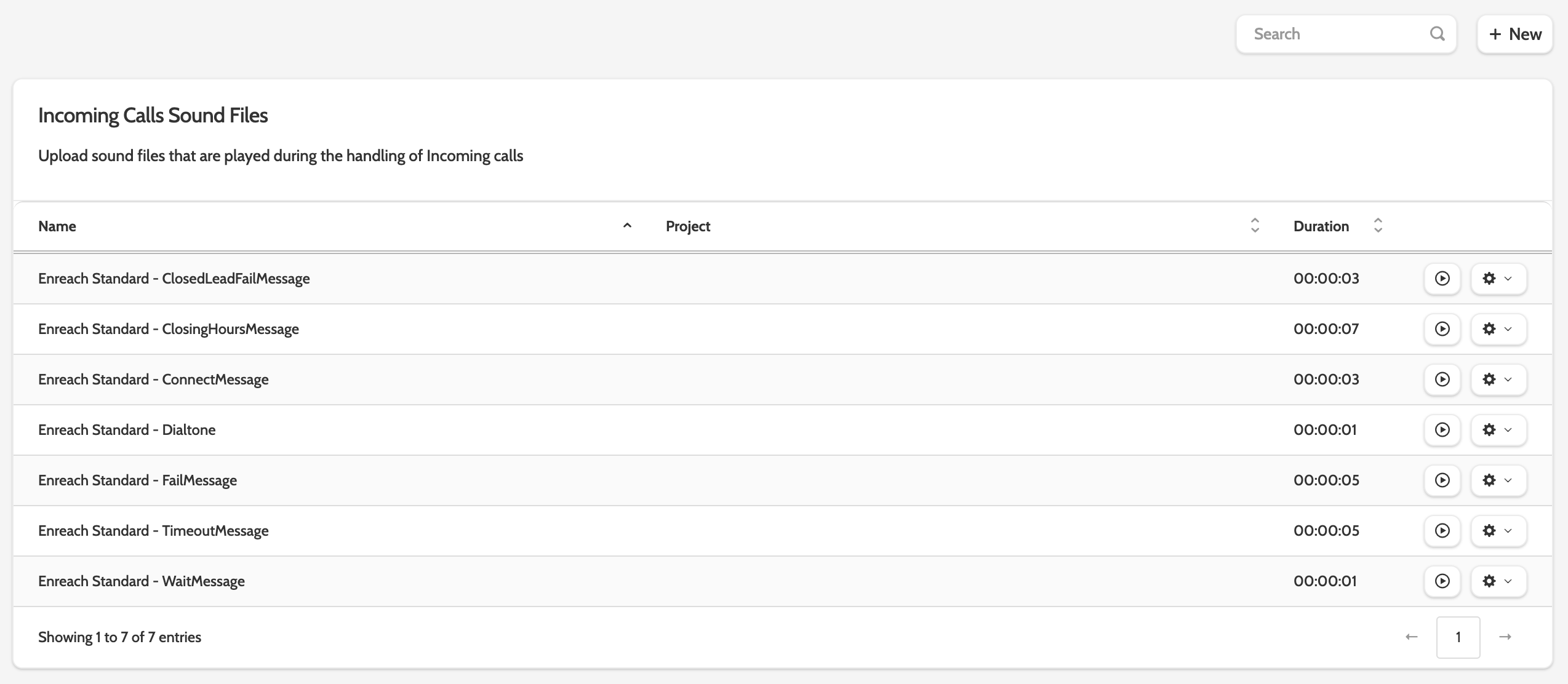
Click the play to preview the sound, or the cog to edit.
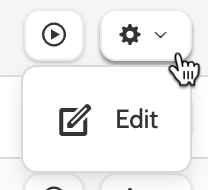
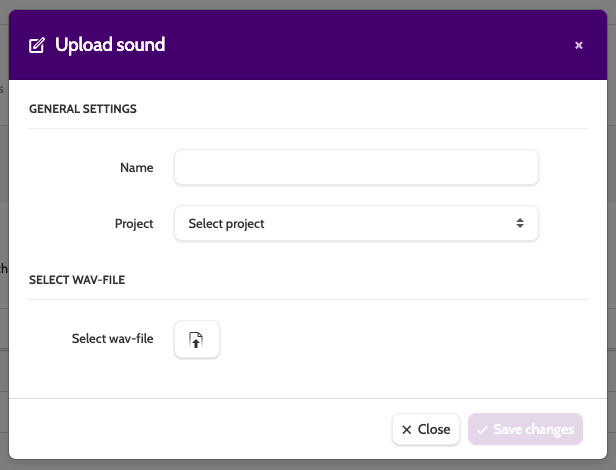
To edit a sound file, enter a new name and select a project it will belong to.
To change the wav-file, click the upload icon to choose a file from your desktop.
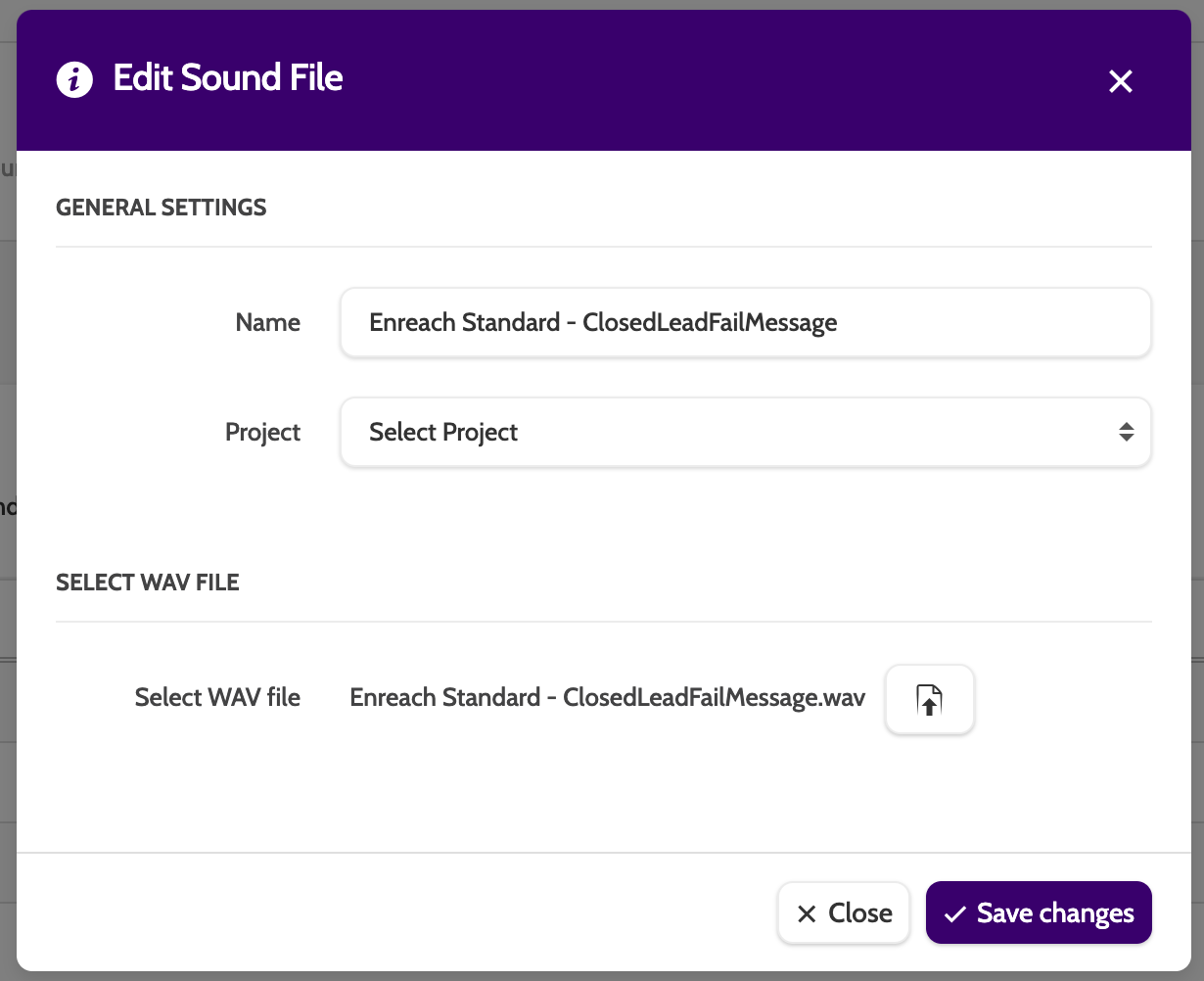
Uploading sounds
To upload your own sound file, click + New.

Enter a name for the file and select a project it will belong to from the drop-down menu.
Click the upload icon to choose a wav-file from your desktop.
Click Save Changes, or Close to exit without saving.